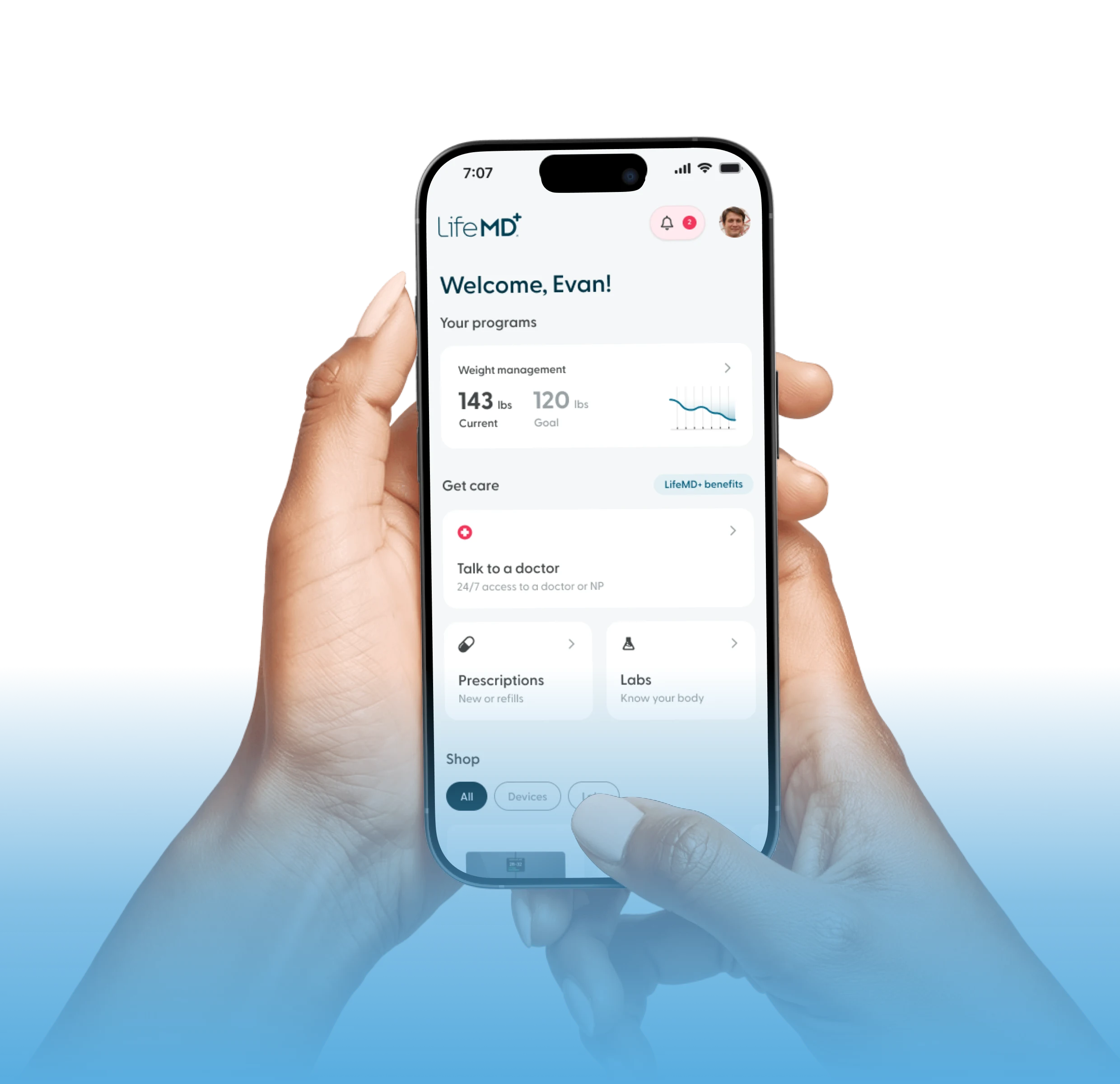
37 mg/mL
In range


 Main Menu
Achieve your weight-loss goals with GLP-1 treatments like Wegovy® and Zepbound®, guided by licensed providers every step of the way.
Personalized care for women, with HRT and lifestyle support to ease menopause symptoms and restore balance.
Personalized care for men, with treatments for testosterone, sexual health, hair loss, and more.
Simple, supportive mental health care on your terms, including access to prescription medication when appropriate.
Care without the wait—connect 24/7 with licensed providers for same-day prescription refills and common concerns like colds, flu, rashes, and more.
Total Cholesterol
37 mg/mL
In range
LDL (Low-Density Lipoprotein)
74 mg/mL
In range

Triglycerides
158 mg/mL
Above range

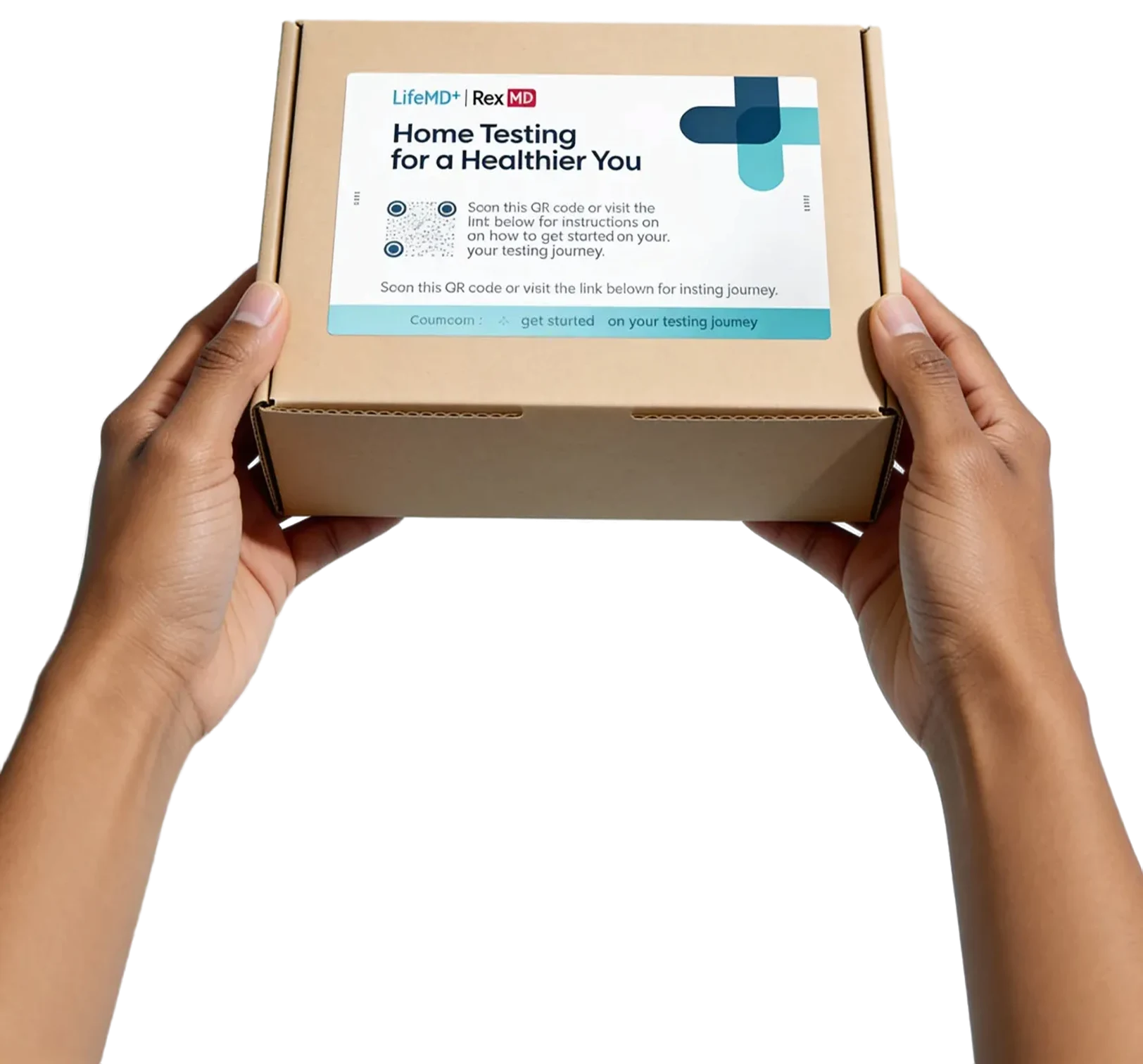
LifeMD is pleased to offer at-home lab testing to monitor and manage your health.
While the prospect of conducting your own test may feel daunting at first, we’ve
made the process as fast, simple, and comfortable as possible.

Avoid the need for an in-person clinic visit, saving time and travel costs.
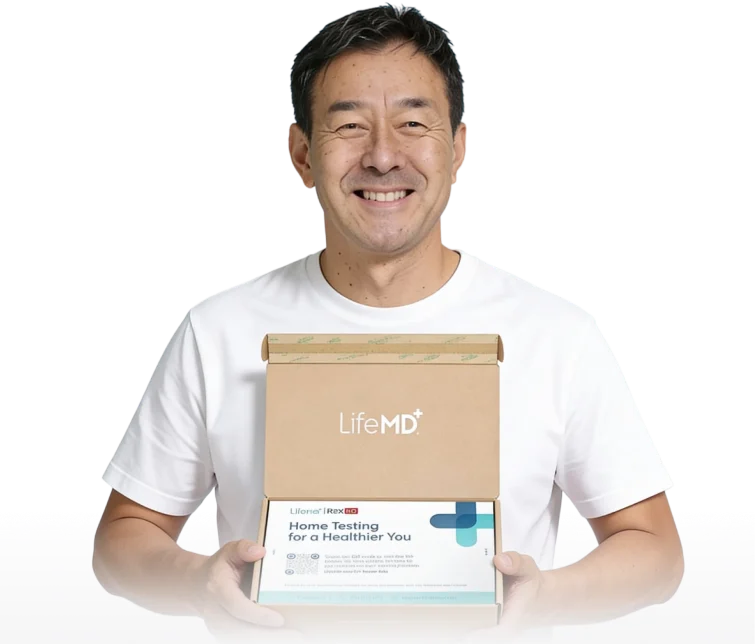
Conduct tests in the comfort and privacy of your own home.
Circumvent geographical and mobility-related issues of in-person testing.
Rest assured: we've made collecting samples for testing simple. By following the provided
instructions, you can ensure accurate and reliable results from your at-home lab test.
Step 1
The process of blood sample collection should be completed between 8am and 11am. Kits should be shipped via FedEx with the enclosed return label Monday through Thursday.
Follow these steps: *Both Tasso devices must be used and both samples must be returned.
Lay out all kit contents.
Wash your hands thoroughly before you start.
Identify a clean area on your upper arm near your shoulder. Shave any hair off the site for best results.
Locate the label on the specimen bag and write your full first and last name, date of birth (MM/DD/YYYY), collection date (MM/DD/YYYY), and time (AM/PM).
Locate the label on the collection tube and write your date of birth (MM/DD/YYYY).
Remove the device from its tray. Twist and remove the cap from the collection tube. With fill lines facing out and label facing back, press the tube snugly into the device.
Follow the instructions to activate your heat pack. If it doesn't heat up, you can use your hand to warm the area instead.
Rub the activated heat pack or your hand up and down your shoulder for 4 minutes to warm the area and increase blood flow.
Clean the collection site with the alcohol pad and let it dry completely.
Step 2
It might look intimidating, but we have faith in you. You got this!
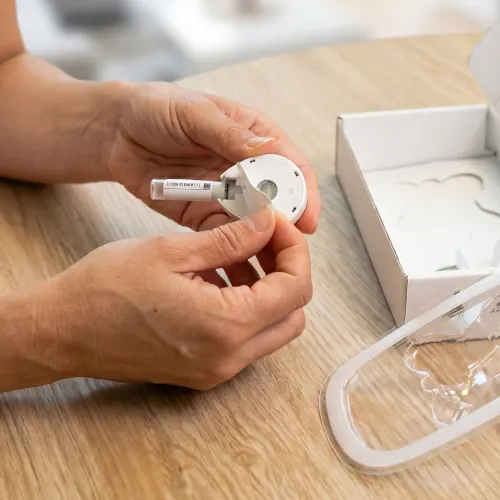
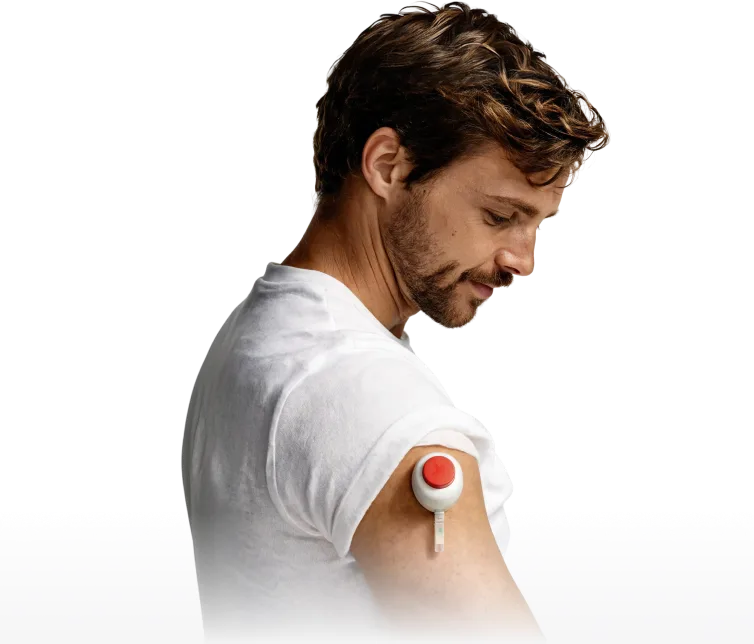
Peel the tab away from the device and stick the device firmly to your upper arm.
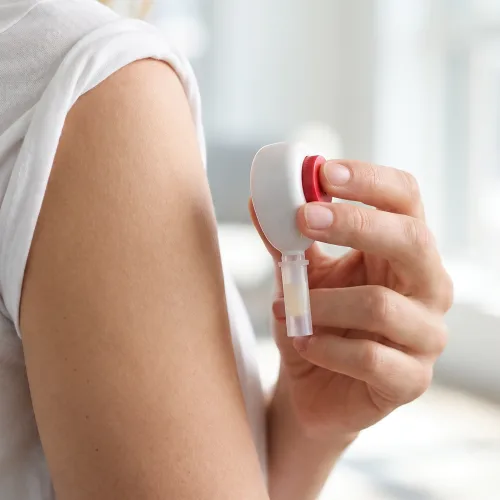
Let your arm hang straight down at your side.
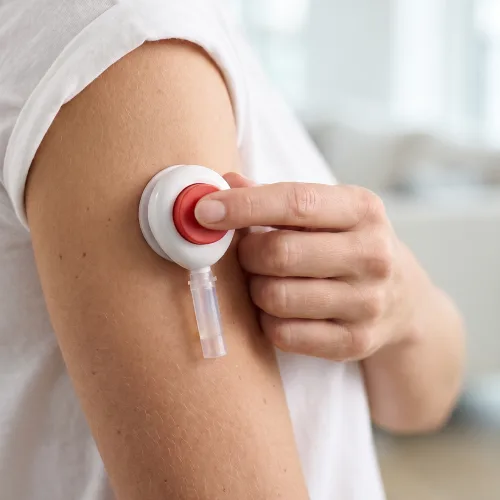
Remove the clear cover from the red button. Press the button all the way down ONCE and then release it. You might not feel the device.
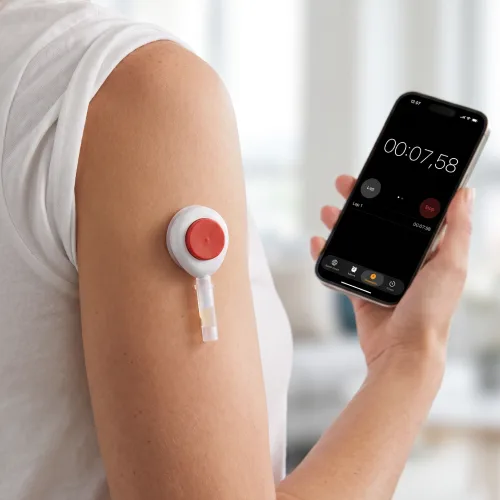
Set a timer for 5 minutes. Watch the tube fill (use a mirror if needed). Blood may not appear for the first 1-2 minutes.
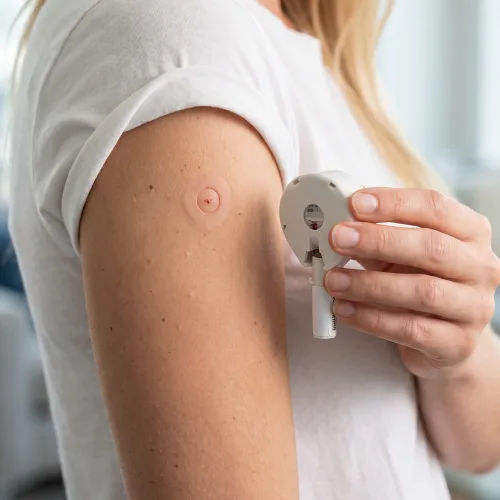
Allow the tube to fill for 5 minutes, or remove the device if the blood reaches the top line before time is up. Do not fill past the top line!

Orders are fulfilled within 1-2 business days depending on the time of order placement. Test kits ship out USPS Ground Advantage, which typically delivers in 2-5 business days, depending on your location. You will first receive a notification (via email, text message, and/or your LifeMD patient portal) when your kit ships — and again when it’s delivered.
Each kit includes written step-by-step instructions on collecting your sample, packaging it up, and shipping it to the lab for analysis. For additional support, please reference this detailed video. Have a question about the testing process? Reach out to the LifeMD customer support team at (800) 852-1575 or [email protected]
If you believe your testing kit is missing materials, please call (800) 852-1575 or email [email protected] and a LifeMD patient support agent will coordinate the shipment of replacement items at no cost.
Collection labels are the stickers placed on each collection device. These labels are used to match a patient’s sample with the electronic lab order, verify identity, and confirm stability of the sample. You must fill out your full name, date of birth, and the date and time of collection for the lab to process the order. If labels are not filled out, your results may be delayed or denied for processing.
You should return your kit within 24 hours of sample collection. This will ensure the stability and integrity of the sample. If a sample exceeds its stability window, or if it is deemed compromised by other means, the lab will reject the sample. To be safe, we recommend patients return their kit as soon as possible after collecting.
No. Per safety regulations, samples must be returned in the box provided. If you have thrown out or misplaced your box, please contact LifeMD patient support at (800) 852-1575 or email [email protected] to coordinate a replacement.
No. All kits include a poly mailer with a prepaid return shipping label addressed to the appropriate lab. You just need to package your kit inside the poly mailer and drop it off at the nearest FedEx location.
In many cases, your sample can be recovered and processed by the lab. The lab will place a temporary hold on your sample while a patient support agent contacts you to try and resolve the issue. If a sample cannot be recovered (e.g., there is insufficient sample to process), the agent will reach out to discuss replacement options. Please note: depending on the nature of the issue, there may be an additional charge to replace the kit.
Once the lab receives your sample, it typically takes 3-5 days to process.
You will receive a notification via email, LifeMD patient portal , and/or text message when your lab results are available for viewing. Lab results are posted to the “Labs & Imaging” section of “My Chart” in your LifeMD patient portal. Please note that lab results may not be immediately reviewed by your provider and will likely be discussed during your next virtual consultation. Please consult a local healthcare provider if immediate care is needed.
Join LifeMD today and experience amazing healthcare, discounted labs and prescription medications plus around-the-clock access to medical guidance.
Get Started Today Get Started Today

Iron levels are low — I recommend adding iron-rich foods or supplements.

Good evening. Your labs are complete and available in your patient portal.
Your cholesterol is slightly elevated. Let’s adjust your diet and check again in 3 months.