
How to Join the LifeMD Women's Health Program

Quick Read
Getting started with hormone therapy through LifeMD takes just minutes. You complete a quick assessment, choose between message-based or video consulting with a menopause specialist, and get a personalized treatment plan with medication shipped to your door within 3-5 business days. Refills, follow-ups, and messaging your provider all happen through your patient portal whenever you need them—no office visits required.
Starting hormone therapy with LifeMD takes a few minutes to set up, and it all happens online. Here's exactly what to expect from the first click to your first appointment.
Step 1: Take the 2-minute Assessment
Click "Get started" and answer a short set of questions about your symptoms and your goals. It takes about two minutes, and it tells you right away whether you're a candidate for the program.
Step 2: Choose Your Visit Type
You've got two ways to meet with a provider, and you can pick whichever works better for you.
Option 1: Start with a message-based consult if you already have a sense of what's worked for you and would rather handle things over secure messaging. This route starts at $66 a month. Please note that this program is billed bi-annually at $399 ($66.50 a month equivalent). Pricing may vary based on medication and subscription plan.
Option 2: Schedule a video visit if you'd rather talk it through live with a provider. This initial visit with a licensed menopause provider is $79.
Both are led by licensed providers who specialize in women's health, and everything else about your care is the same either way. The only difference is how you and your provider connect.
From there, you'll finish a few quick setup steps: scheduling your visit if you chose video, adding your insurance if you'd like to use it, and verifying your identity.
If you'd like to use insurance, you can add it during setup. Video visits are typically covered, and you'll pay your copay if one applies. Coverage and copays are set by your insurance provider.
To verify your identity, you'll upload a photo of the front and back of a government-issued ID, or the photo page of a valid U.S. passport. This is a standard part of telehealth. It keeps your care secure by confirming your provider is treating the right person and that your prescriptions and records stay tied to you.
Step 3: Activate Your Membership
Your membership fee covers your first visit if you choose to meet virtually with a provider, plus the care and support around your treatment:
A complete treatment plan personalized to you
HRT prescribed and delivered when clinically appropriate
Lab testing ordered directly by your provider if needed
24/7 access to primary and urgent care
Refills, follow-ups, ongoing lab testing, and the ability to message your care team anytime
You can cancel anytime. You can pay with an FSA or HSA card, and if you don't end up qualifying for treatment, you'll receive a refund.
Step 4: Meet Your Provider
Your provider reviews your assessment answers before you meet virtually, so you're not starting from scratch. You'll also finish any remaining intake questions first. These are clinical details your provider needs beforehand, and they won't disqualify you.
How you meet depends on the path you chose. If you went with a message-based consult, you'll answer your provider's questions through secure messaging and they'll build your plan from there.
If you chose a video visit, it's a private, one-on-one conversation with a licensed women's health specialist. A few things to have ready:
A strong Wi-Fi connection
A quiet spot
Try to log in about 10 minutes early to confirm your documents are uploaded and to enter the virtual waiting room. Plan for about 15 minutes together. You'll talk through your symptoms, ask any questions you have, and build a hormone treatment plan around your needs.
Either way, if you'd like to follow up as your treatment gets going, you can reach out anytime. Additional visits are billed separately.
What Happens Next?
If you're prescribed medication, it ships straight to your door, typically within three to five business days of processing. You'll get a USPS tracking number by email as soon as it's on the way.
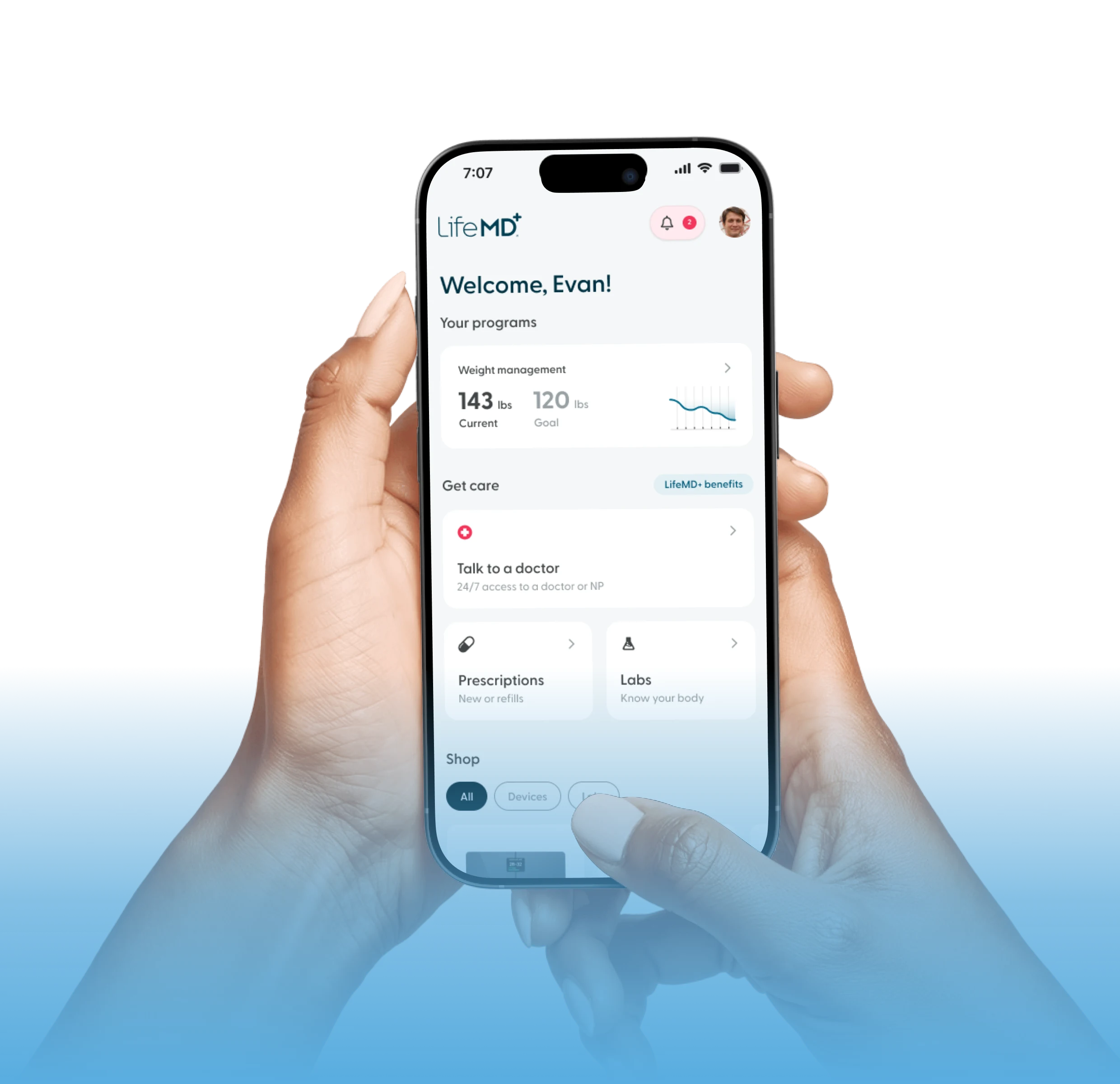
From there, everything lives in your patient portal, which you can open on the website or in the LifeMD app. That's where you'll track your prescription, request refills, and stay in touch with your care team.
Your provider will also check in on how treatment is going and adjust your plan as needed, so your care keeps up with you over time. It's recommended that you renew your prescription every 90 days, and a quick renewal request prompts your provider to review and refill it. Depending on your responses or your state's requirements, a follow-up visit may sometimes be needed, billed separately.
Anytime a question comes up, you can message your care team right from the portal.
Get Started With LifeMD
Menopause symptoms don't have to be something you just push through. Take the 2-minute assessment to find out if HRT is right for you, and take the first step toward relief that's built around your body.